
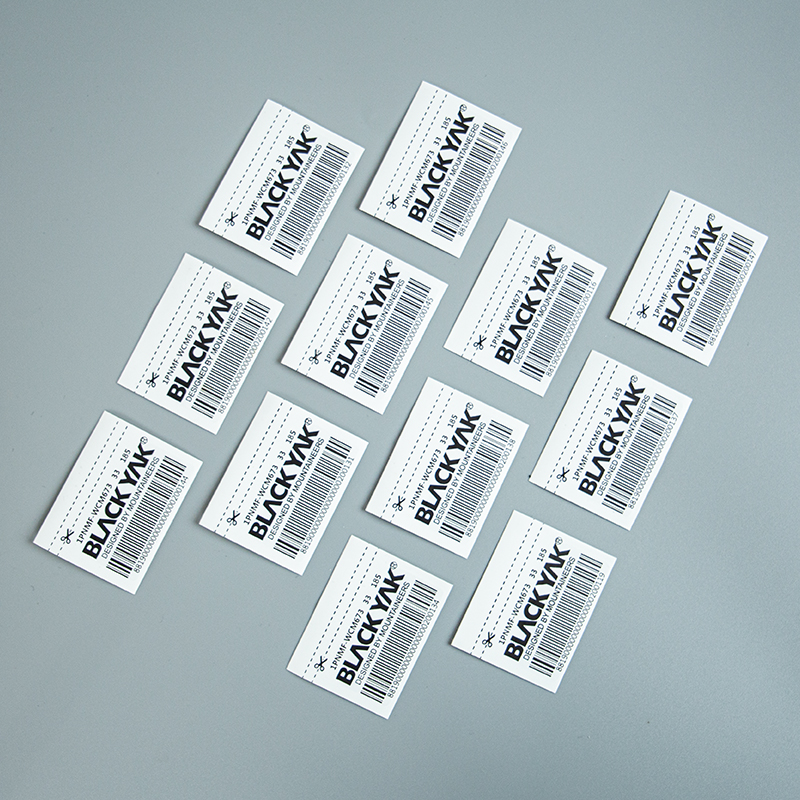
How Big Should a Barcode Label Be?
A barcode label needs enough room for the approved code, its required clear areas and any product wording. Choosing a 50 × 30 mm label first and shrinking every code to fit can create problems. Start with the code your retail or inventory system requires, then build the label around it.
We make custom barcode labels for clothing, hang tags and packaging. A reference label or approved code file helps us discuss the layout. The size examples here describe possible label faces, not GS1 symbol sizes or a promise of scanning performance.
Separate the Symbol, Quiet Zones and Label
The barcode symbol is the printed pattern that represents the data. Its dimensions depend on the barcode type and application. GS1’s barcode setup guide explains that symbol choice, scanning environment and printing method affect the required size.
Quiet zones are clear areas required beside or around the pattern. They are part of the space reserved for the code, not spare room for a logo. Their requirements differ by barcode type and printed scale, as GS1 UK explains. Do not use one fixed millimetre allowance for every symbol.
The finished label is the whole piece after cutting. It may also carry human-readable code numbers, a product name, color, size or price. The release liner and roll width are separate again.
Label Faces to Compare During Layout
These are original layout examples in width × height, with approximate inch equivalents. A row is suitable only if the selected code, required clear areas and wording actually fit. None is a prescribed GS1 label format.
| Possible layout | Candidate label face | Approx. inches | Main space consideration |
|---|---|---|---|
| Compact identification | 40 × 30 mm | 1.57 × 1.18 in | Little room for additional wording |
| Code with a short product line | 50 × 40 mm | 1.97 × 1.57 in | Separate code and text areas |
| Code, size and color | 60 × 40 mm | 2.36 × 1.57 in | A clear order for several details |
| Wider product description | 80 × 50 mm | 3.15 × 1.97 in | Longer wording without compressing the code |
| Larger stock information panel | 100 × 60 mm | 3.94 × 2.36 in | More fields on a larger package |
For a retailer’s required format, use that supplied layout as the starting point. A larger outer sticker does not by itself make an unsuitable code correct.
Example: Build Around an Approved Code Block
Suppose your approved code artwork occupies 44 × 28 mm, including its required quiet zones and human-readable code text. For this hypothetical layout, add 3 mm outside that entire block on each edge. The label would need at least 50 × 34 mm for the block and those margins.
Now place a product-name line 6 mm high above it, with a 3 mm gap. The required height becomes 28 + 3 + 3 + 6 + 3 = 43 mm. A 50 × 45 mm label is a candidate, provided the product line fits the available width.
The 3 mm margins and 6 mm text area are layout choices for this example. They do not define quiet-zone requirements. If the approved code block changes, the calculation changes too.
Keep the Code Separate from Decorative Artwork
Enlarging a logo and resizing a barcode are different decisions. Preserve the approved code artwork instead of stretching it to fill a box. GS1 specifically warns against reducing EAN/UPC bar height independently to save space.
A shorter product description or a larger label can free room without squeezing the code. Keep borders, prices and background patterns outside the reserved code area. We can help arrange the approved information into a clean printed layout.
Leave a Clear View on the Finished Package
A label that sits flat on a tag may bend when placed across a soft bag fold. Choose a visible area where the code can remain reasonably flat and uncovered. Consider the filled bag as well as the empty packaging.
Our materials include coated paper, PET and synthetic paper. The printed surface, finish and adhesive should suit the handling and placement. The finished sample still needs to work with your intended scanning equipment; its outer dimensions alone cannot establish that.
Arrange the Supply Format After the Layout
We can supply rolls or sheets for your labeling process. For machine use, the individual label size and the equipment’s roll requirements need to work together. Send an existing label or equipment format if you have one.
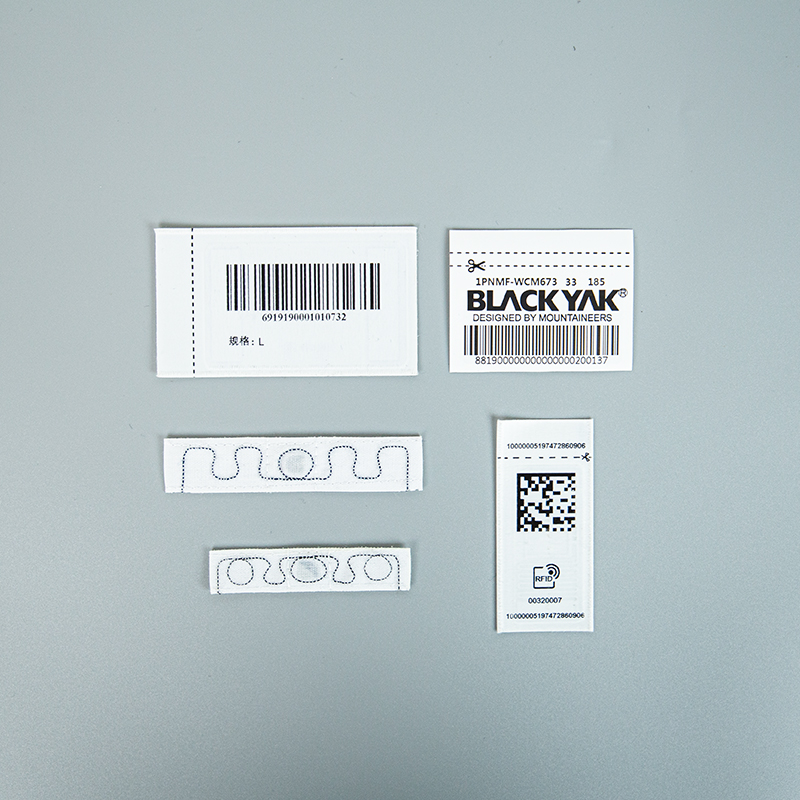
RFID adds a chip and antenna, so its construction also needs space. We coordinate approved components where required. An ordinary printed barcode layout is not enough to determine the finished dimensions of an RFID label.
Frequently Asked Questions
Related Guides & Products
Send your approved code or reference label and tell us where it will be used. We’ll help with the label size, material and supply format.
Discuss Barcode Labels